Design Timber Screw Connections to AS 1720.1
Design timber screw connections in Australia and New Zealand to AS 1720.1 across sawn timber, glulam, LVL and CLT, with real fastener geometry and strength data pulled directly from supplier product ranges, so you're never estimating from a generic table. See the connection modelled visually, check every failure mode automatically, and get a result you can hand straight to certification. Try the calculator to specify your next screwed connection with confidence.
Start Designing for Free See Integrated Suppliers- AS 1720:2010 (EN 1995-1-1:2004 and prEN 1995:2023 also supported, incl. Supplier ETA variants)

Partners
Integrated Suppliers
Every product below has live certified data wired into the calculators above — pick it from inside the tool.



About Timber Screw Design
Key Features
- Automated Failure Mode Analysis: Instantly calculates Characteristic Capacity (Qk) for all AS 1720.1 failure modes (yielding, embedment, and withdrawals).
- Joint Group: Input wood species (e.g., Radiata Pine, Spotted Gum) or density to automatically assign Joint Groups (J1–J6).
- Capacity Factor (𝜙) Control: Apply the correct Category (1, 2, or 3) factors for structural joints instantly.
- Mass Timber Ready: Calculate connections in Cross-Laminated Timber (CLT) and LVL with correct density and embedment properties.
- Supplier Agnostic: Design with leading suppliers local & European imported at the click of a button!
The engineer's guide
Timber Screw Design, AS 1720.1
Overview of Structural Screw Connections
Self-tapping screws are widely used in modern timber engineering to transfer axial and shear forces between structural elements. These fasteners provide high load-bearing capacity, efficient installation, and flexible connection configurations for timber-to-timber and timber-to-steel joints.
The SPEC Toolbox Screw Design module allows engineers to evaluate screw connections in timber structures using manufacturer-specific fastener data and internationally recognized design standards. The calculator integrates real screw geometries and product libraries from leading suppliers, enabling accurate modelling of screw behaviour and load transfer.
Supported member materials include: Softwood, Hardwood, Glulam (GLT), Cross-Laminated Timber (CLT), Laminated Veneer Lumber (LVL), Plywood, Steel plates for timber-to-steel connections
Interactive Connection Model
To support intuitive connection configuration, the calculator provides an interactive 3D visualization of the screw arrangement and connected members. The visualization displays: screw orientation, load directions, member geometry, screw placement within the timber elements. Users can rotate and inspect the model to clearly understand the connection behaviour and load transfer mechanism before performing structural verification.
Primary and Secondary Member Definition
The calculator allows engineers to define the structural members involved in the connection. Two members can be configured: Member 1 (primary structural element), Member 2 (secondary element or connected member). For each member: member material type, member dimensions, characteristic timber density (ρk), mean density (ρmean). The density values are used to calculate the embedment strength of the timber. Grain orientation relative to the screw can also be defined.
Applied Forces
Screw connections may be subjected to axial and shear forces acting in multiple directions. Loads: Fx (shear force in x-direction), Fy (shear force in y-direction), Fz (axial force acting along the screw axis). The combined shear force is automatically calculated and applied forces are visualized in the connection model.
Supplier and Product Library
The module integrates fastener data from recognized manufacturers, allowing engineers to select screws directly from supplier libraries: Screw supplier, Screw family, Specific screw type. Each screw type includes predefined product properties: screw diameter, thread configuration, characteristic strength values, withdrawal resistance parameters.
Screw Type and Thread Configuration
Available options: Partially threaded screws, Fully threaded screws. Thread configuration affects whether the screw primarily resists shear forces, axial forces, or combined loading conditions. The calculator also supports smart screw length selection.
Supported Design Methods
- EN1995-1-1:2004 (Eurocode 5) — European design standard for timber structures.
- AS 1720:2010 — Australian Timber Structures Standard.
- prEN1995:2023 — upcoming revision of Eurocode 5, updated calculation models.
- EN1995-1-1:2004 (Supplier ETA) —connection design using manufacturer-specific European Technical Assessment data.
- AS 1720:2010 (Supplier ETA) — Australian standard combined with manufacturer-verified fastener performance data.
Screw Arrangement and Spacing
Manual Arrangement: number of screws, spacing between screws, edge distances, end distances. Minimum Distance and Spacing Rules: calculator can automatically apply minimum spacing/edge distance requirements per selected standard — parameters considered: spacing parallel to grain, spacing perpendicular to grain, edge distances, end distances, fastener positioning relative to member face.
Connection Capacity Checks
- Geometry Check: Verifies screw spacing, edge distances, and end distances satisfy minimum design requirements.
- Shear Capacity: Evaluates shear resistance based on timber embedment strength and fastener resistance.
- Axial Capacity: Evaluates axial resistance, including withdrawal resistance where applicable.
- Combined Actions: When axial and shear forces act simultaneously, verifies the combined loading condition.
- Slip Modulus: Provides the slip modulus of the screw connection (stiffness under load) — important for structural modelling and deformation analysis.
What’s News
Dive into our newest releases, articles, and tutorials designed to help you succeed.
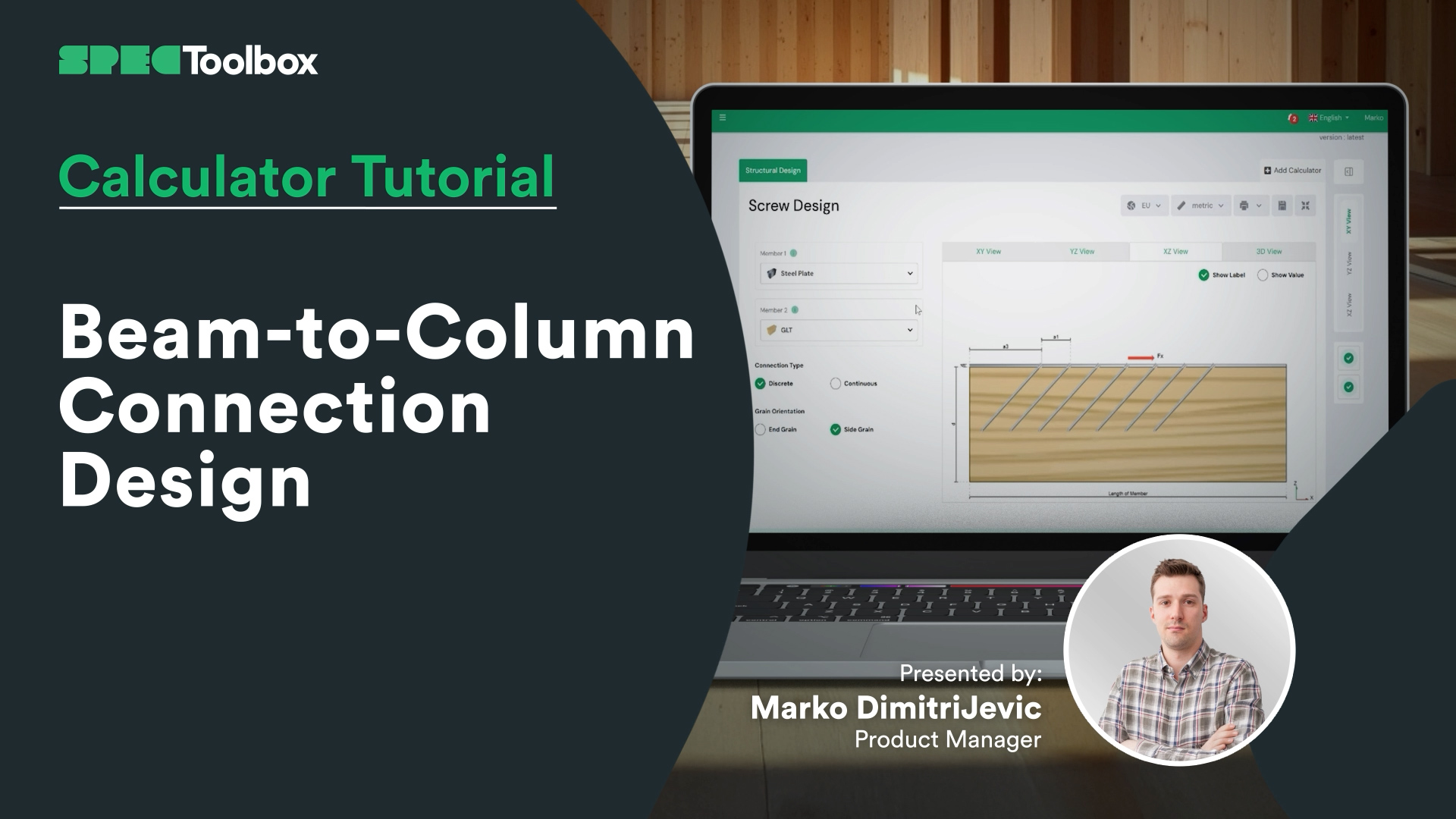
Beam-to-Column Connection Design

CLT Floor-to-Wall Connection Design
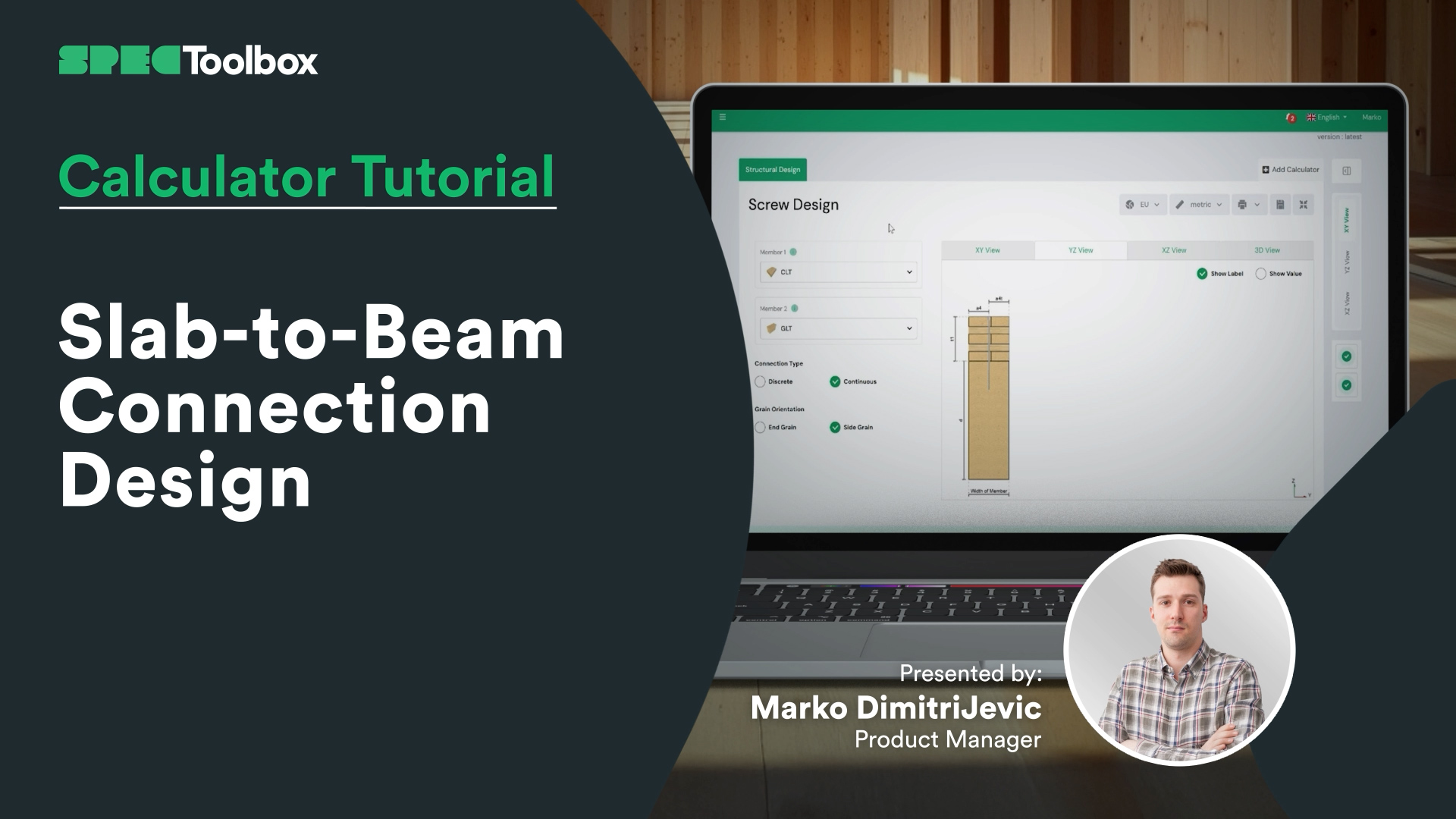
Slab-to-Beam Connection Design


Screws: Laterally loaded timber to timber end grain
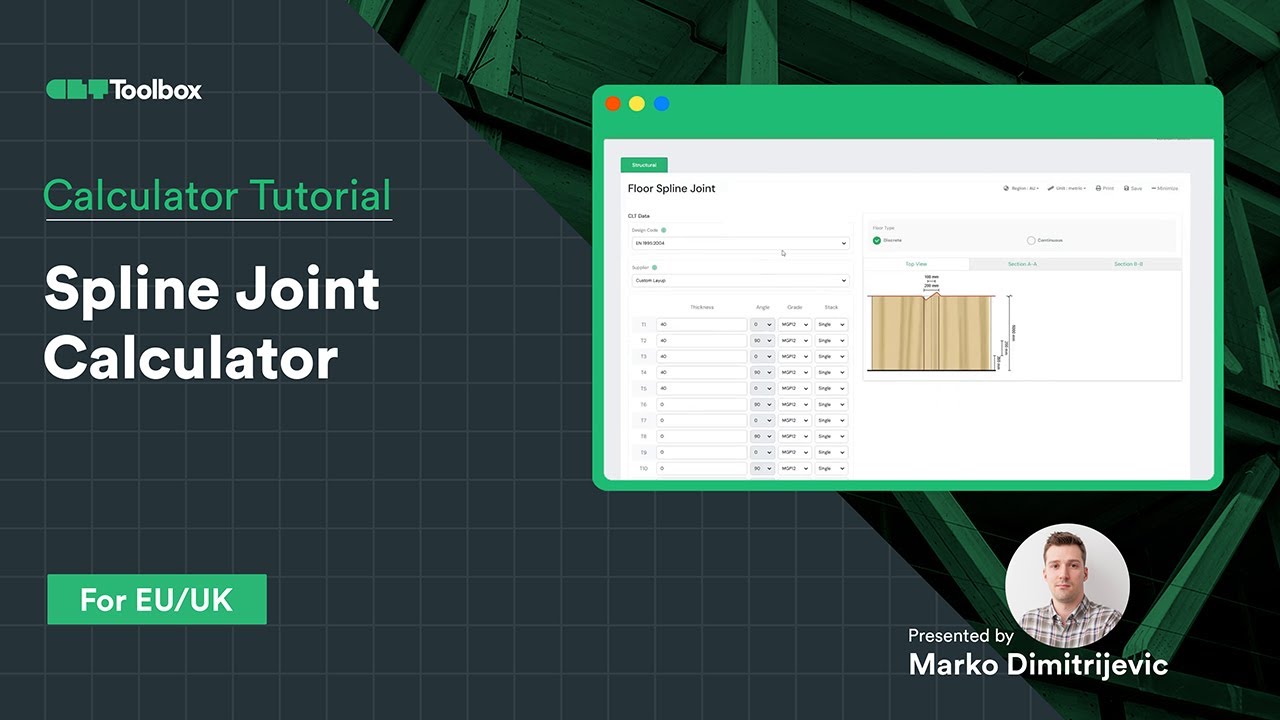
Spline Connection Calculator
Gratuito, basato su browser, nessun download. Progetta qualsiasi connessione certificata nei tuoi materiali reali in pochi secondi.
Inizia a Progettare Gratuitamente →Metti i tuoi prodotti di fronte a ogni ingegnere che specifica sulla piattaforma, al momento della progettazione.
Fai specificare i tuoi prodotti →